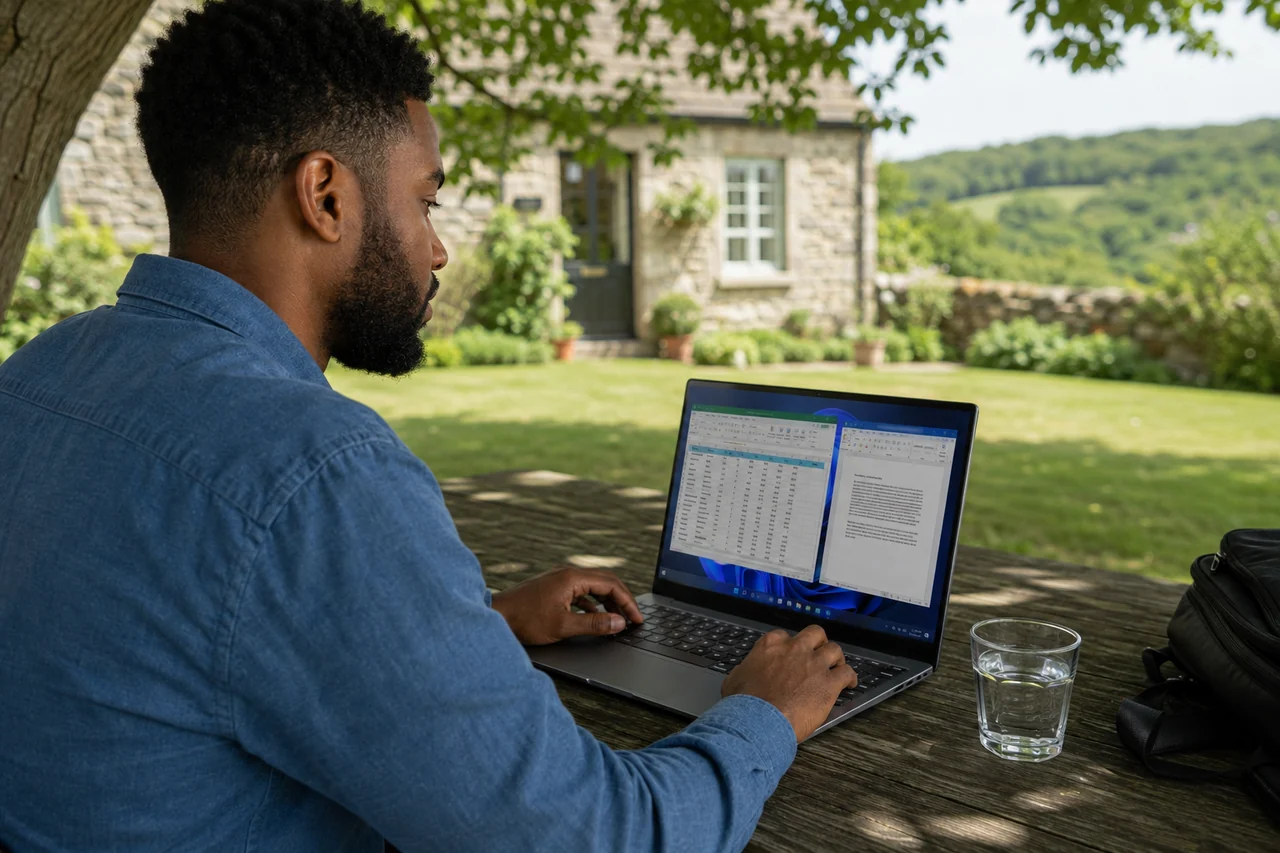
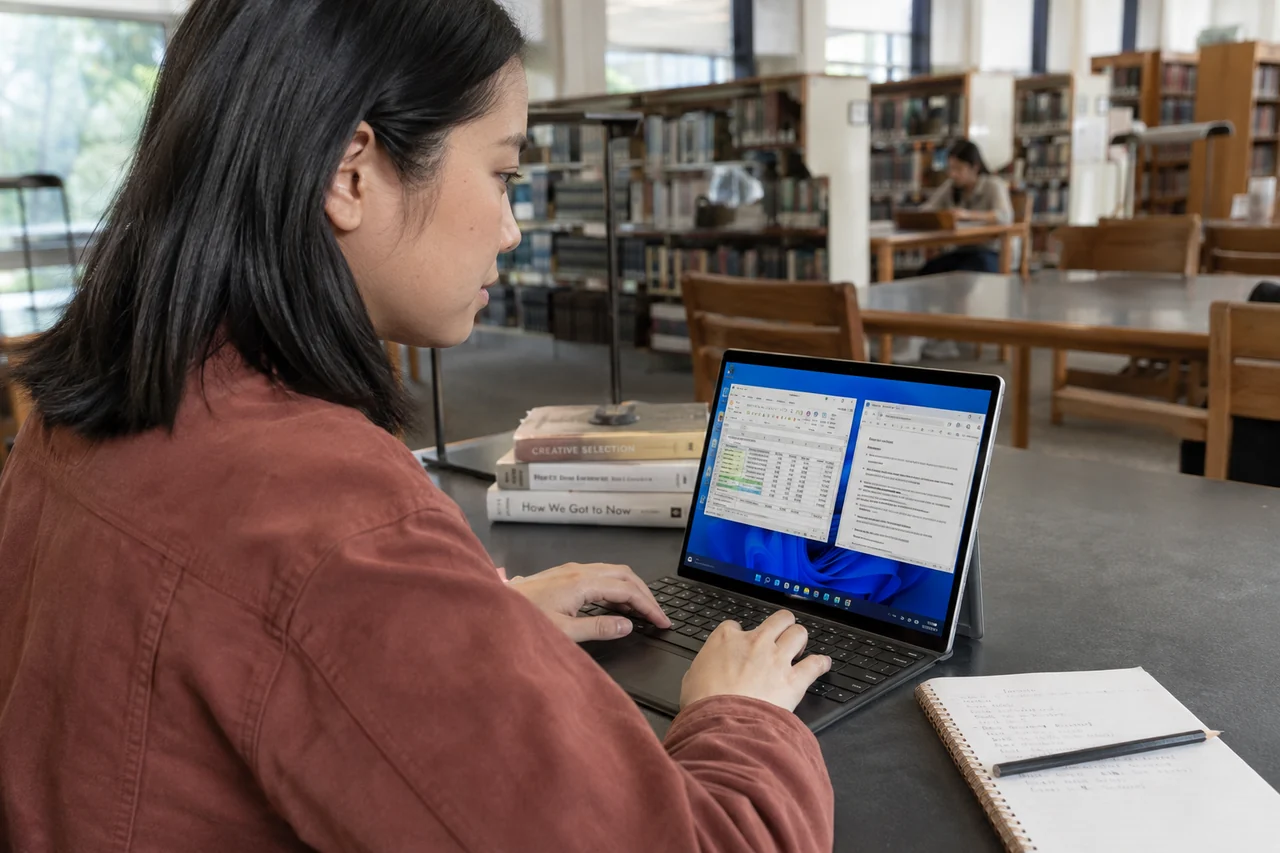
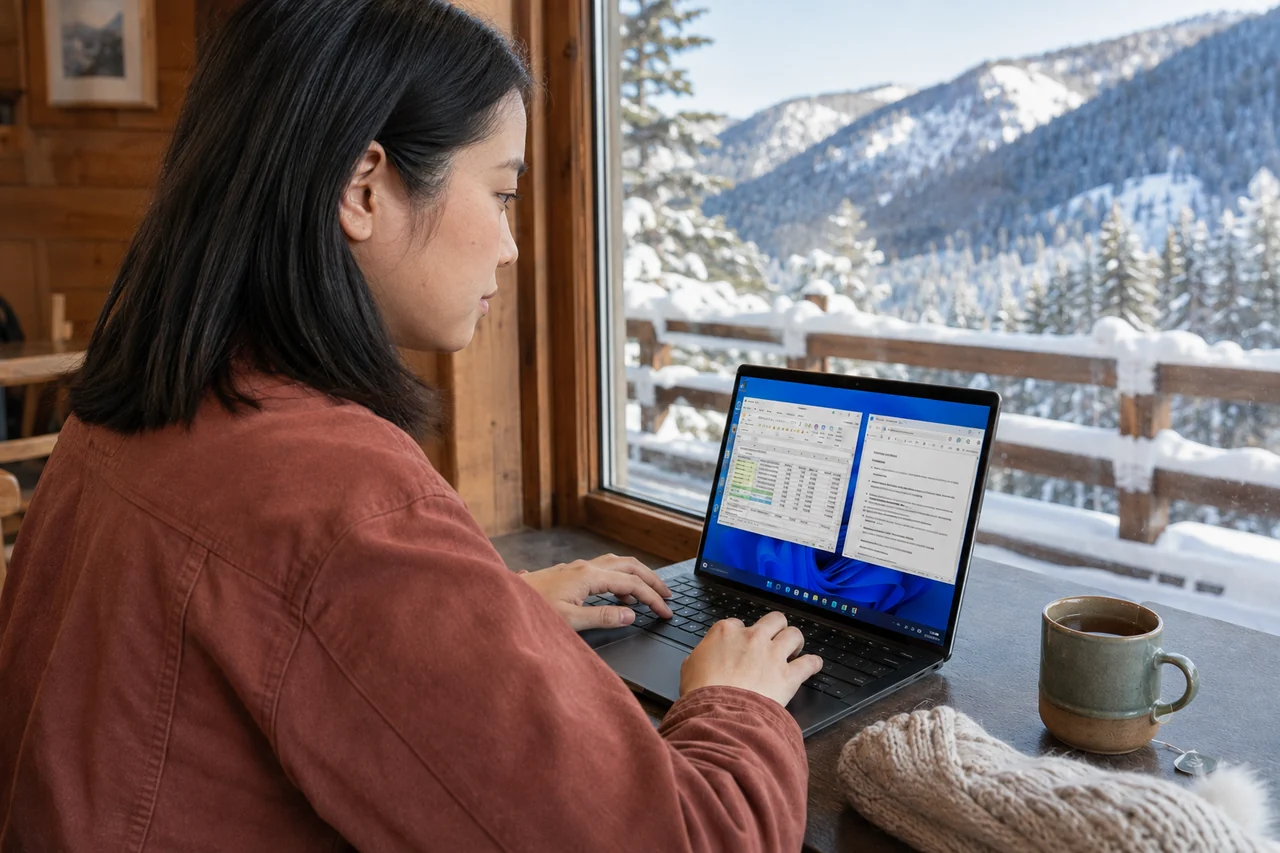
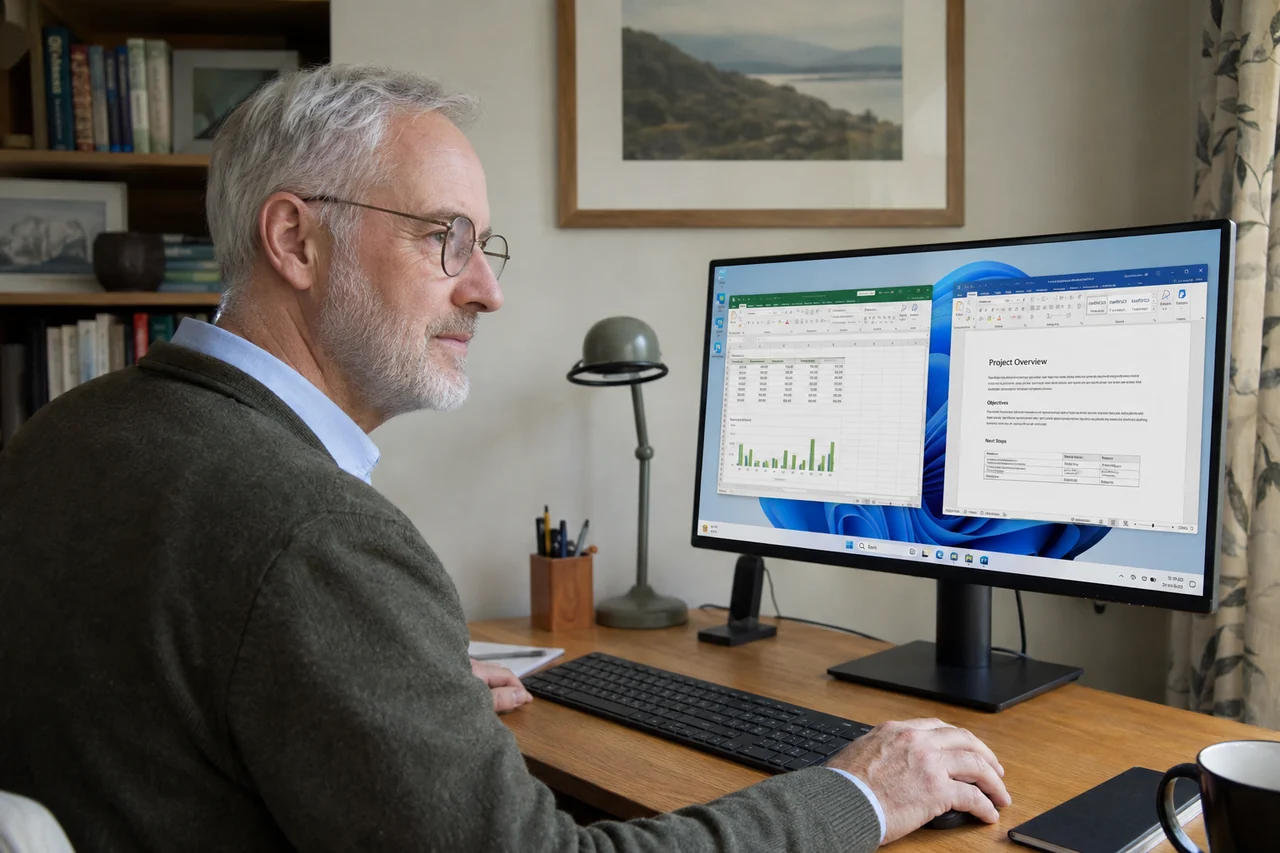
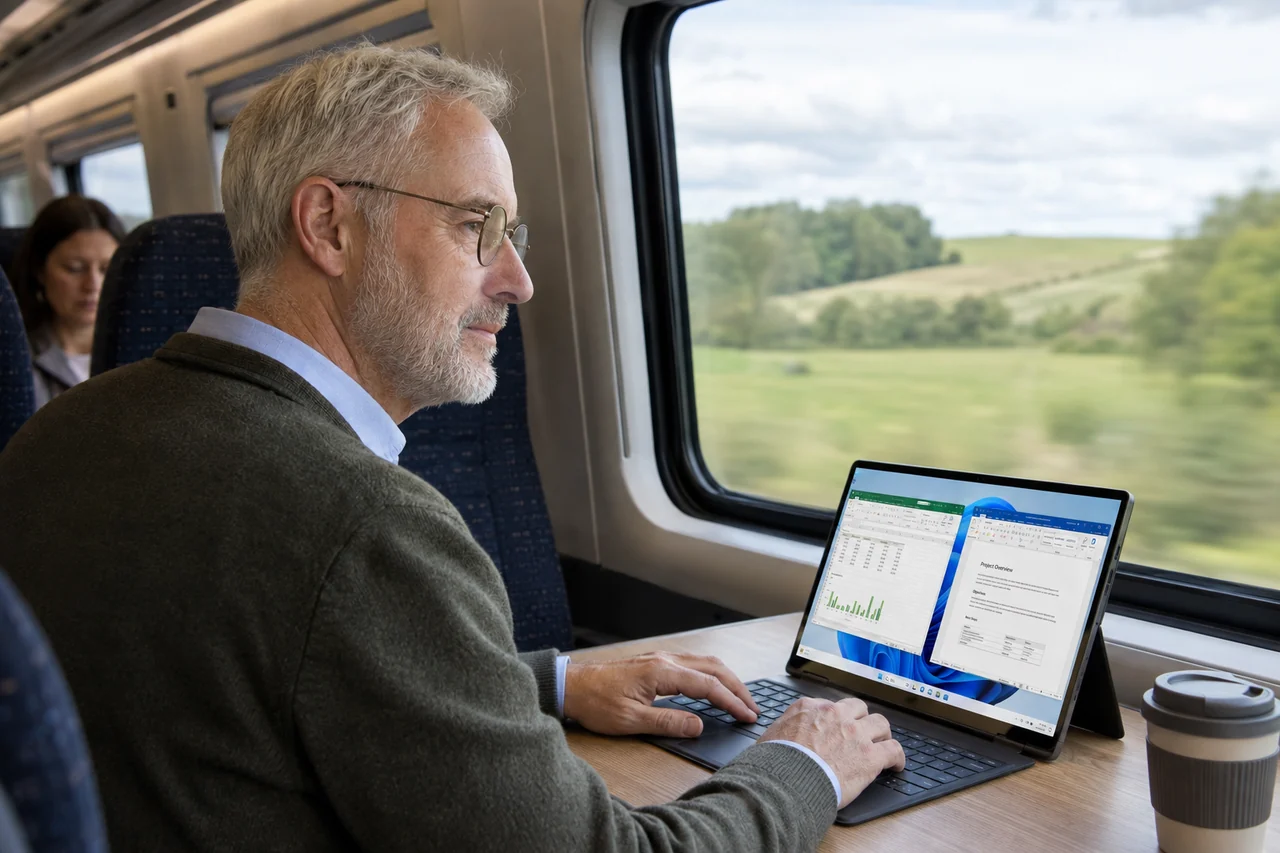
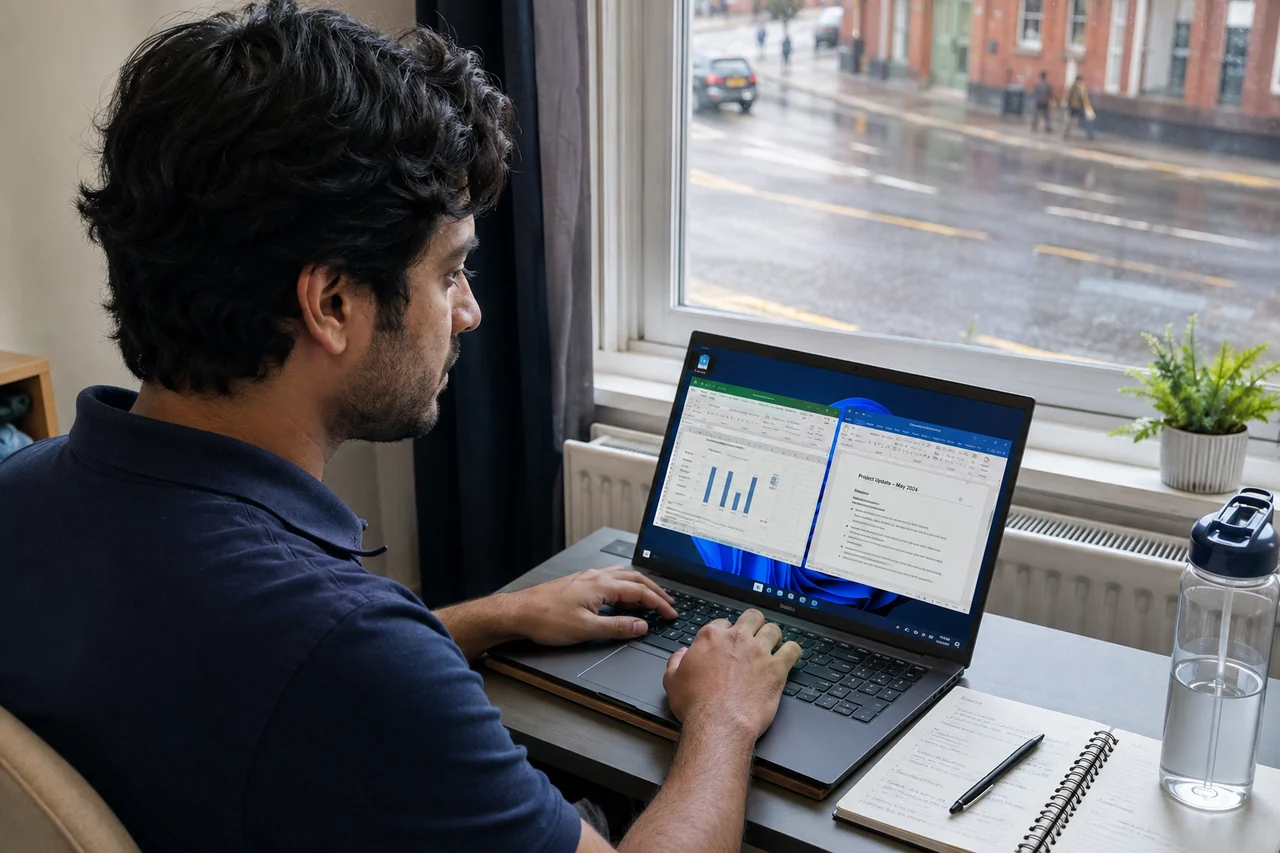
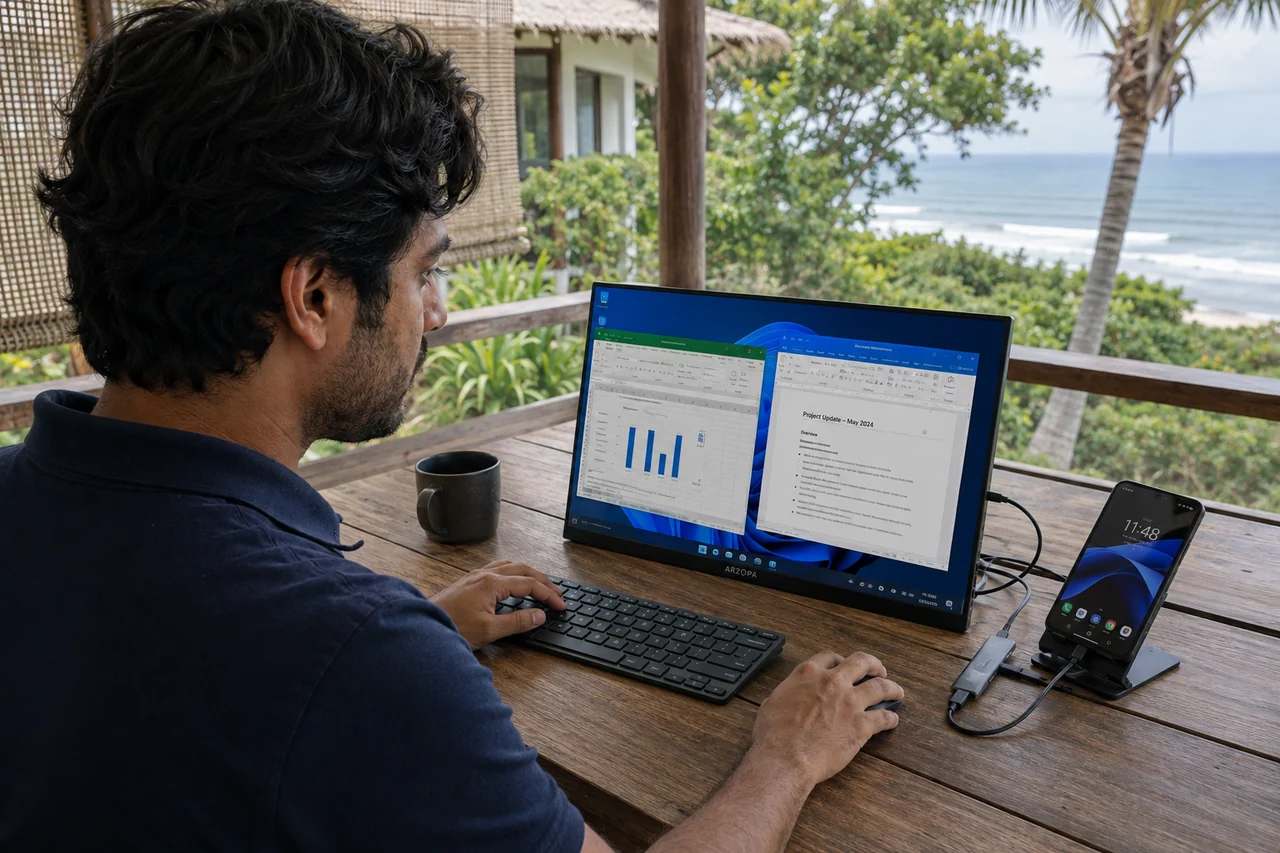
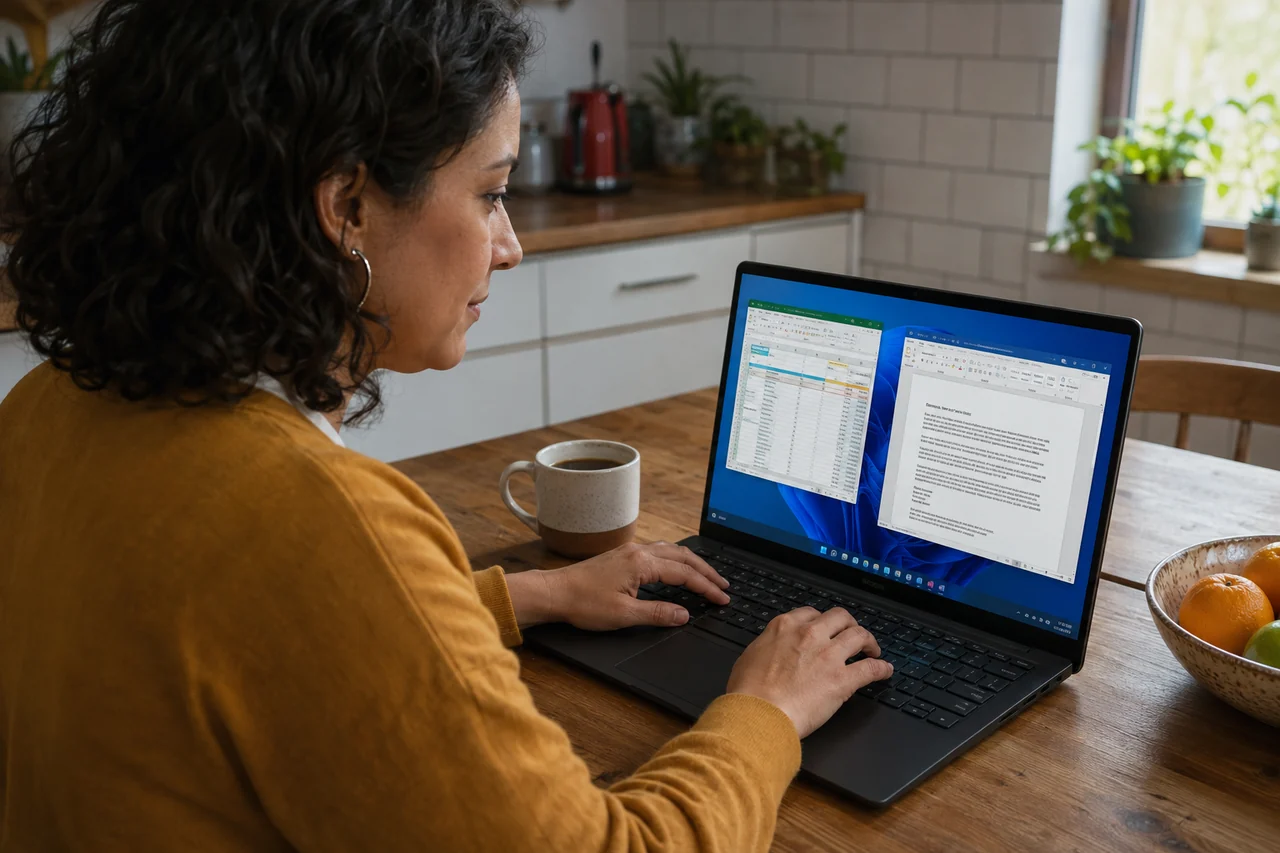
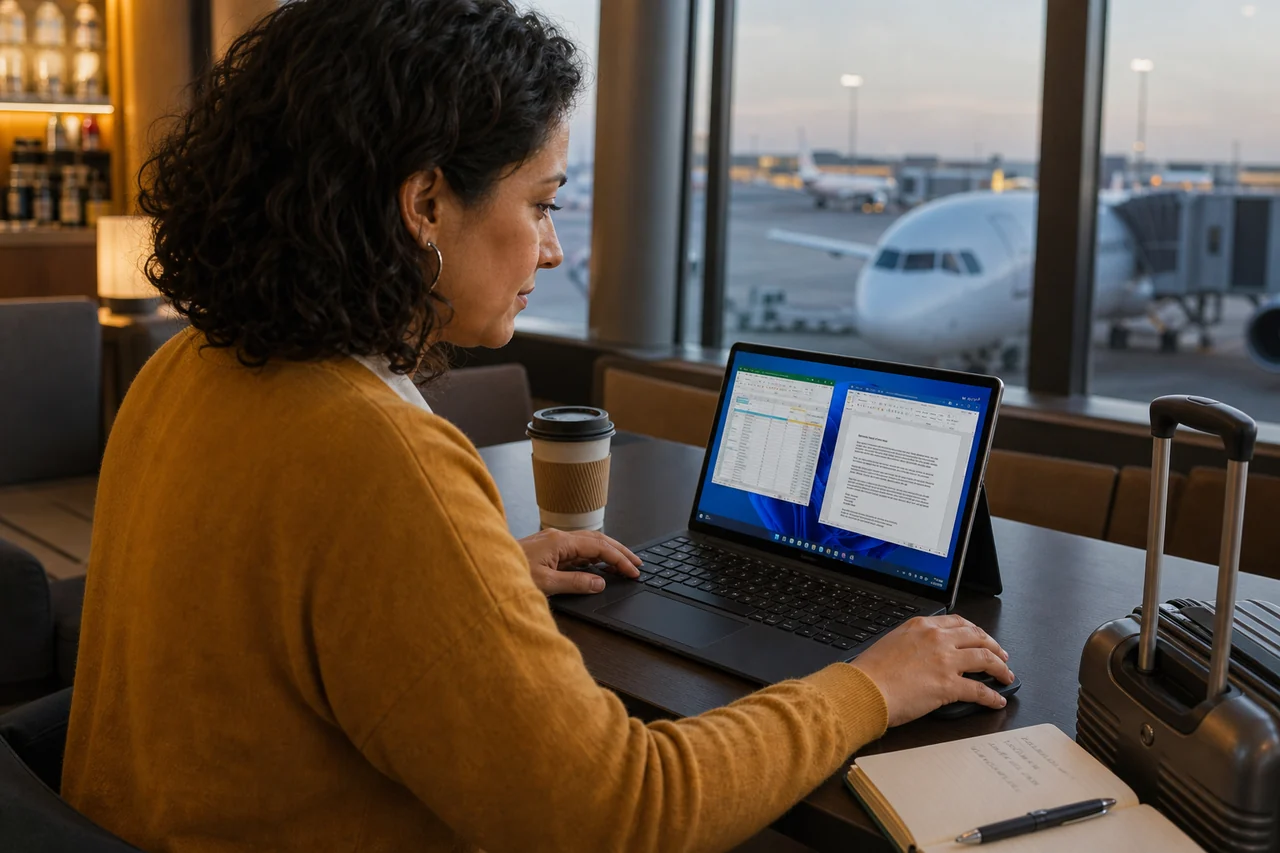
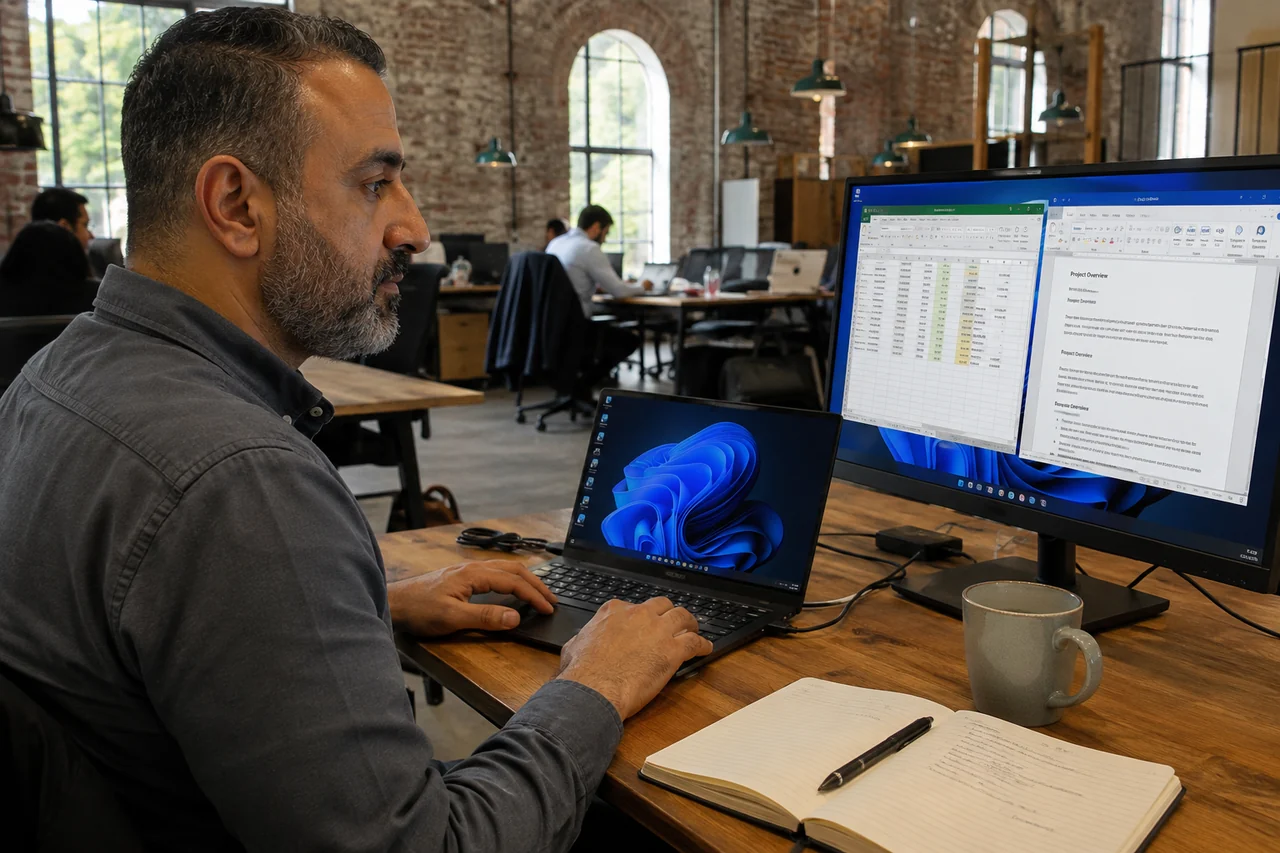
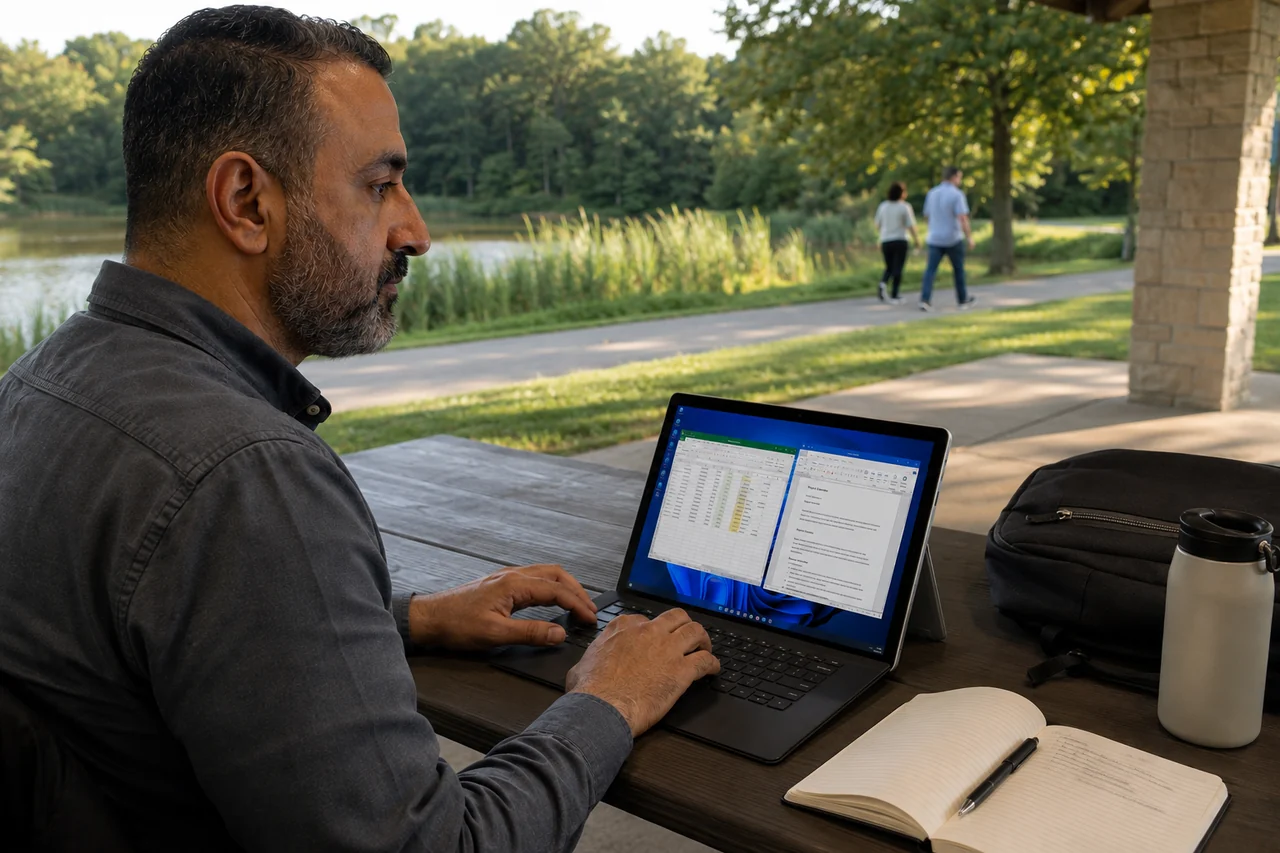
Windows apps. Your favourite device.
Keep your Mac or tablet. Reach the compatible Windows tools you need on your own cloud PC.
Bring your device

Jump-IT
Free Your Productivity
Launch a secure, high-performance Jump-Desk from your laptop, tablet, or phone. Pick the power you need, connect in minutes, and only commit for as long as it serves you.
Sign in or create an account, then review your setup and price before payment.
No long-term contract on hourly and monthly plans. Cancel anytime.
Your Jump-Desk setup
From Jump In to your Windows desktop
Your apps and files, on the device you already use.
Ready in minutes
Your choice of global region
Encrypted remote connection
INFRASTRUCTURE & PAYMENTS
Cloud infrastructure

Payment processing
HOW IT WORKS
Choose your setup, review the price, and follow the connection guide. We take you through each step.
PRODUCT WALKTHROUGH
Name your desktop, choose a location and plan, then review your setup before checkout. This recording shows the current app with example prices.
Choose where your desktop runs
Compare clear performance options
Review the price before checkout
01
Use an existing Google, Microsoft, or Apple account—no new password to remember.
02
Select a region, billing model, and performance tier that fits the way you work.
03
We build your Windows 11 Jump-Desk and guide you through connecting from your device.
ONE DESKTOP. EVERY DEVICE.
Your Jump-Desk lives in the cloud, so the apps and files on it stay available when you switch devices or locations. Use a supported remote desktop client to reconnect whenever you need it.
A persistent Windows 11 Pro environment that remains yours between sessions
Full administrator rights to install compatible software
Flexible hourly, monthly, and yearly options
Multiple global regions so you can choose where your desktop runs
Remote access from the devices you already own
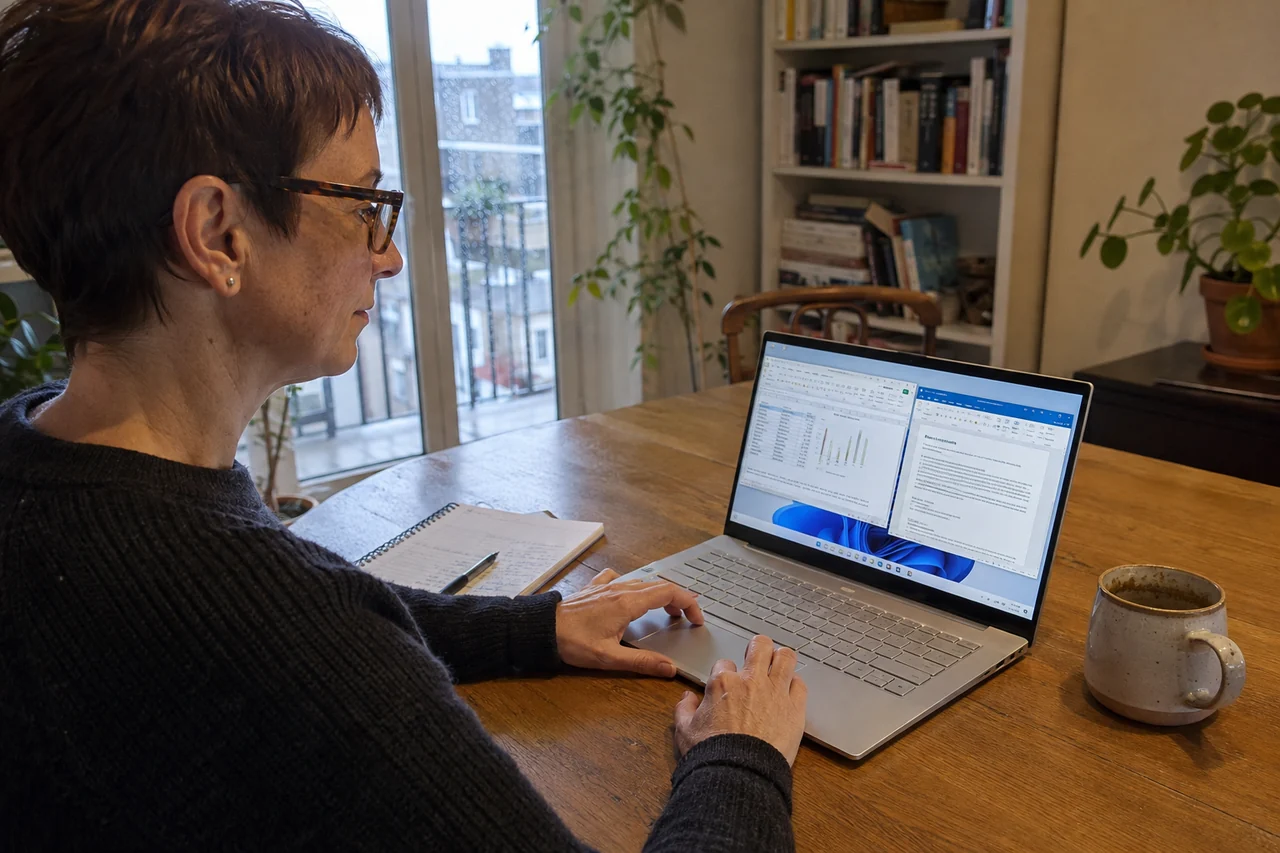
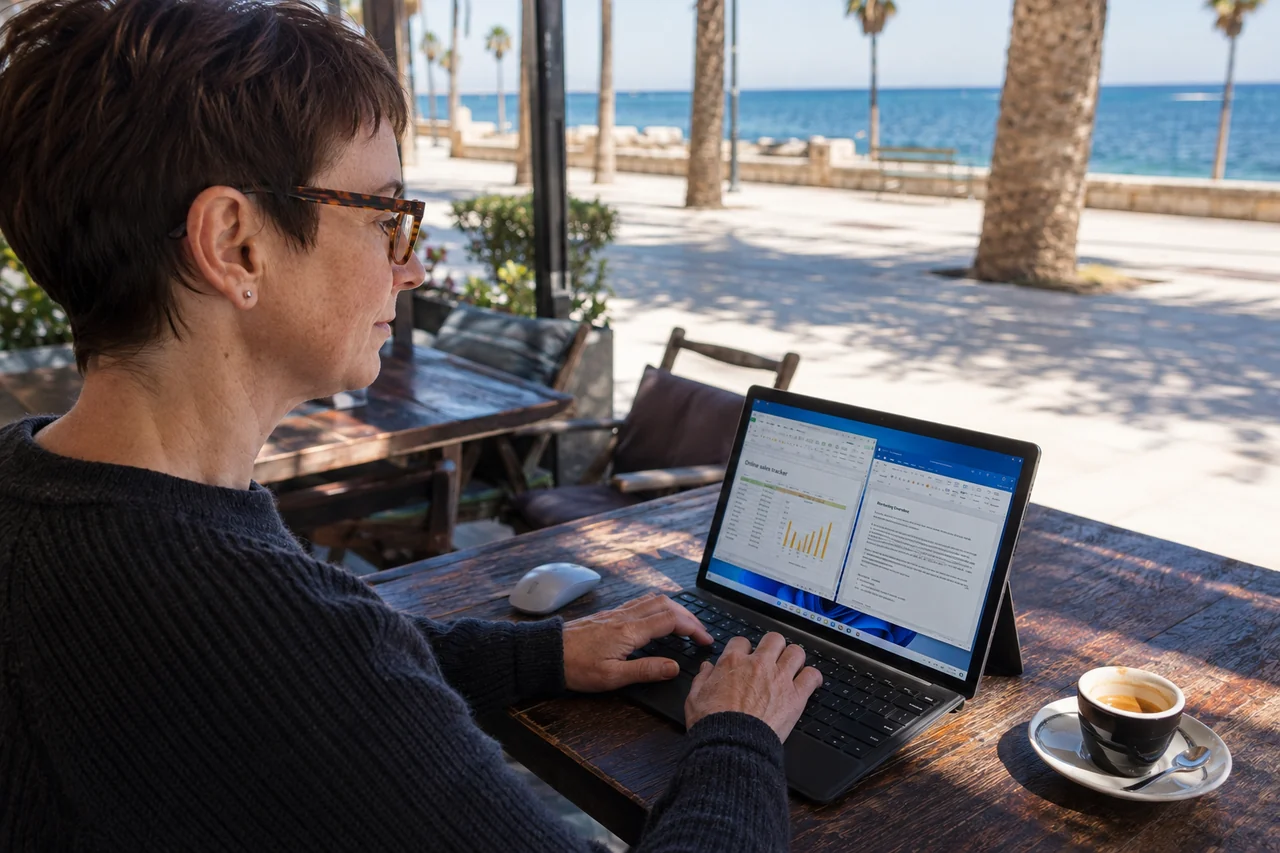
Reconnect to the same desktop from anywhere
Connect from the device you already use






MADE FOR MODERN WORK
Your work, your course, your next side project. Give them a familiar Windows home, then come back to your apps and files from a device you already own.
Keep your Mac or tablet. Reach the compatible Windows tools you need on your own cloud PC.
Bring your deviceYour proposals, spreadsheets and installed tools, ready to return to when you reconnect.
Make work simplerGive a course, a personal project or a new skill a workspace of its own.
Start a new projectExplore compatible software in a separate Windows environment from your everyday computer.
Explore and experimentChoose Months for a regular routine, or Hours for occasional sessions. Compare the full price before you create your desktop.
PARTNERS & NETWORK
PLANS & PRICING
Choose a commitment level and performance tier. Your dashboard shows the plan changes available for your configuration.
Price region
Showing the selected Jump-Desk location: Frankfurt
Compute is charged while running. The service fee continues while you keep the desktop, including when it is stopped.
For everyday productivity, web apps, and light office work.
Loading pricing…
The balanced choice for multitasking and professional workflows.
Loading pricing…
More CPU and memory for heavier applications and large workloads.
Loading pricing…
Sign in or create an account, then review your desktop and price before payment. Your selection is saved.
Windows 11 Pro licence included
Manage eligible plan changes and cancellation from your account
QUESTIONS, ANSWERED
Straightforward answers about setup, devices, security, pricing, and support.
Still unsure? Ask our support team.
Choose your configuration first. Your available price is shown before checkout.